[Open Source] An Integrated Team Collaboration Platform with Multiple Functional Modules, Making Team Collaboration Easier Than Ever

1. Project Overview
Enterprise Team Collaboration Solution
Team Collaboration Has Never Been This Easy
Teamlinker is a team collaboration platform integrating multiple functional modules, covering team member communication, task assignment, meeting initiation, event scheduling, and file management.
The platform addresses the challenges of efficient internal team collaboration and eliminates the need for companies to use multiple separate tools to manage project progress, colleague communication, and client meetings. Compared with traditional tools, Teamlinker not only provides comprehensive basic collaboration and office features but also comes at a very low cost, making it better suited to the current economic environment.
Teamlinker is developed based on the TeamOS system and is a web operating system that allows users to handle different tasks simultaneously, similar to operating systems such as Windows and Mac. It mainly consists of six functional modules: Projects, Wiki, Calendar, Meetings, Chat, and Cloud Drive. These modules are seamlessly integrated to make team collaboration more efficient.
2. Open Source License
Licensed under GPL-3.0
3. Screenshots
Online Demo
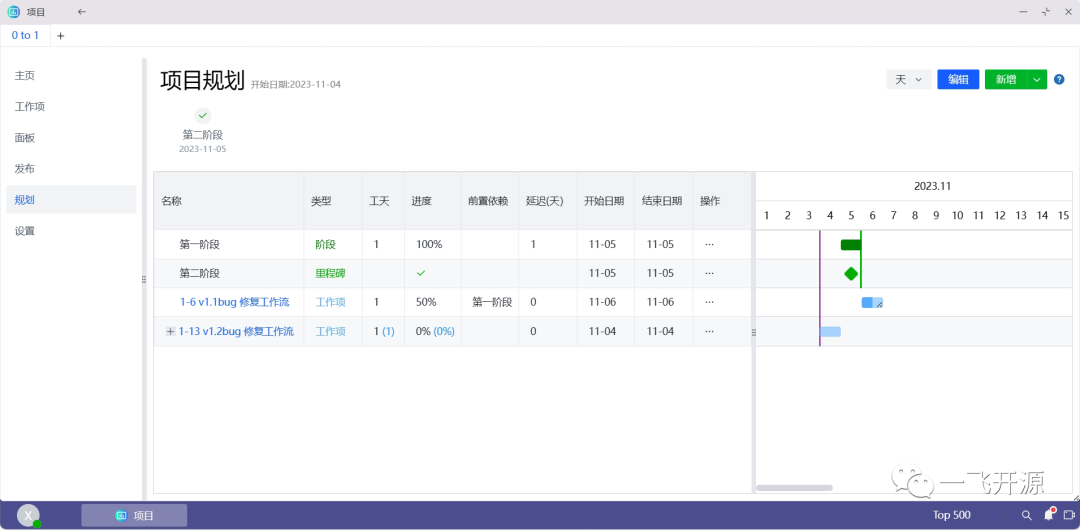
Project


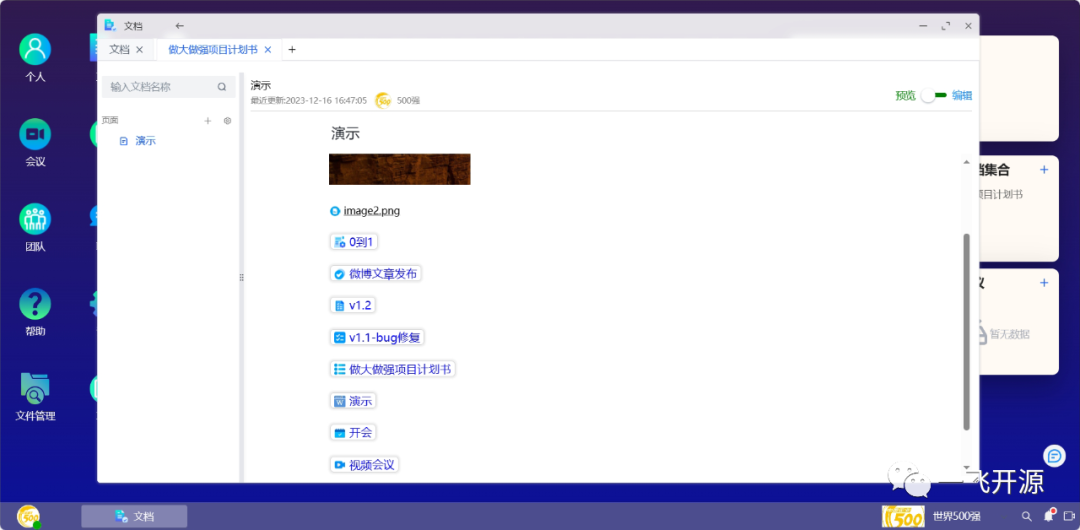
Documentation
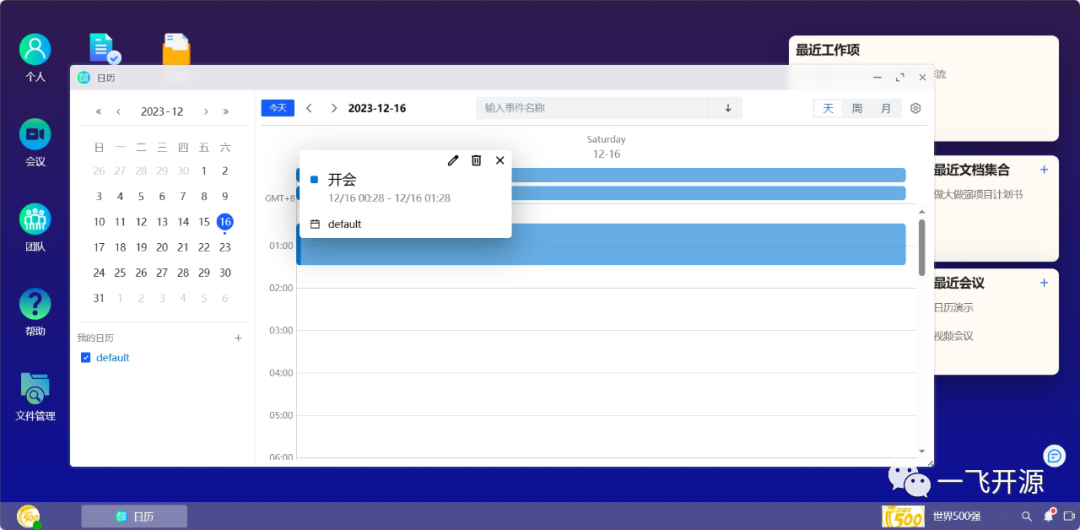
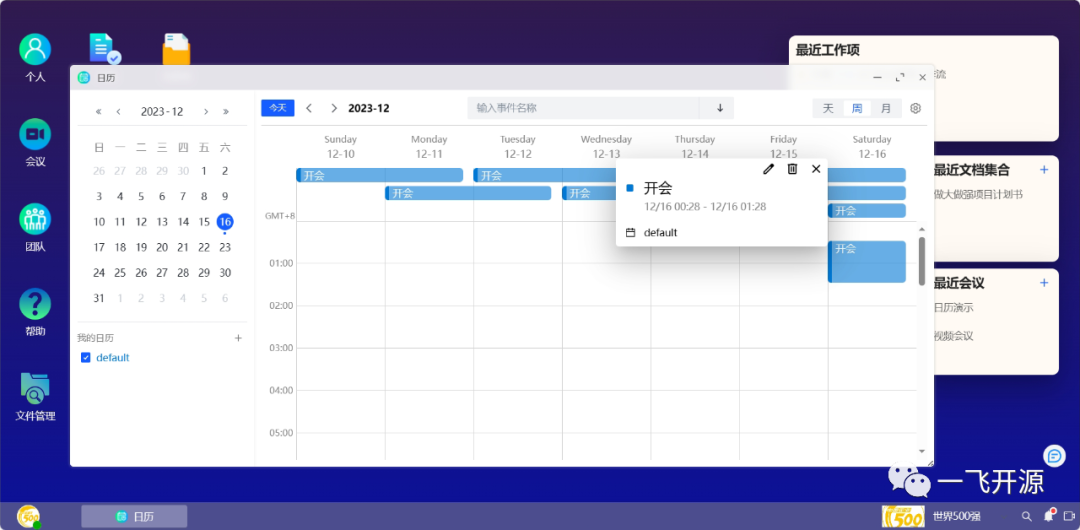
Calendar
Meetings
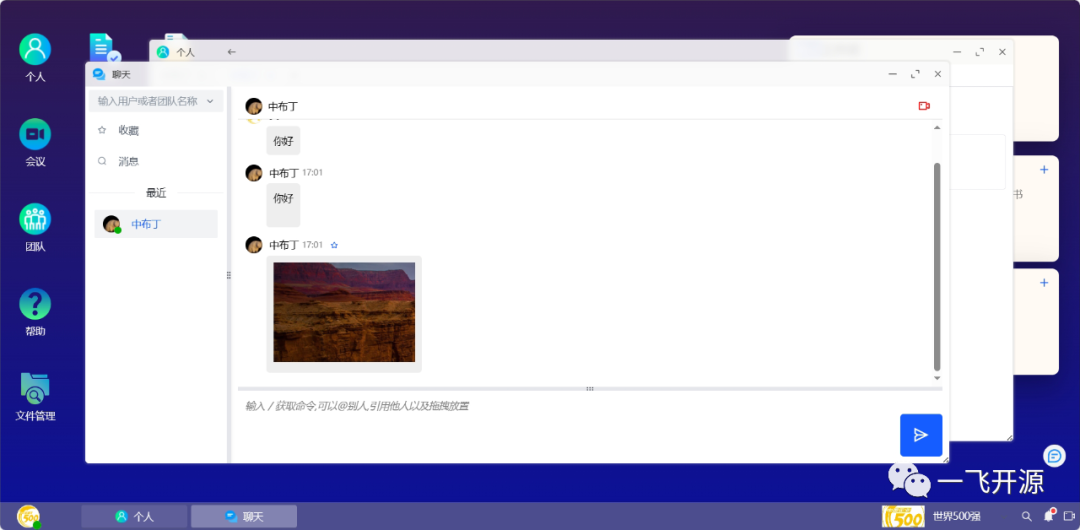
Chat
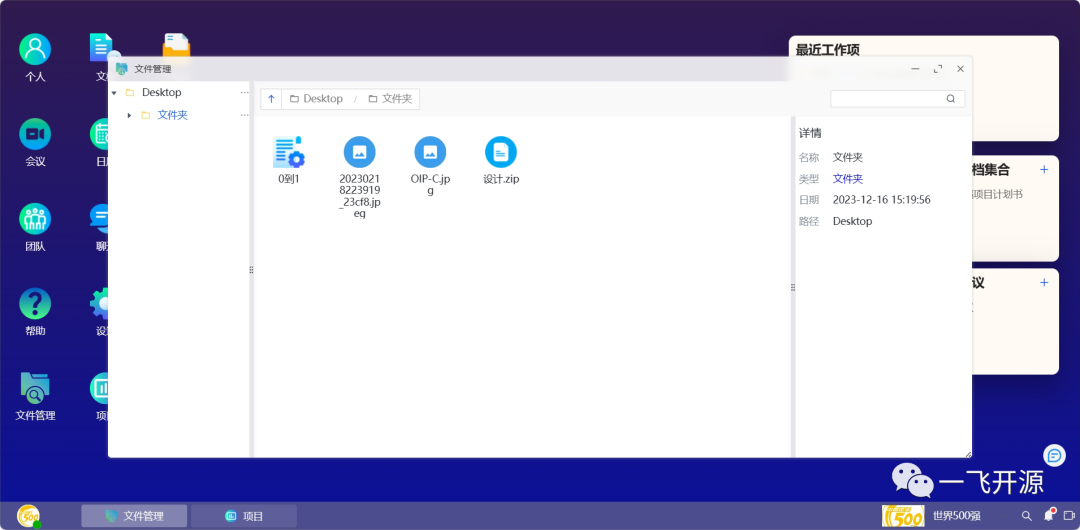
File management
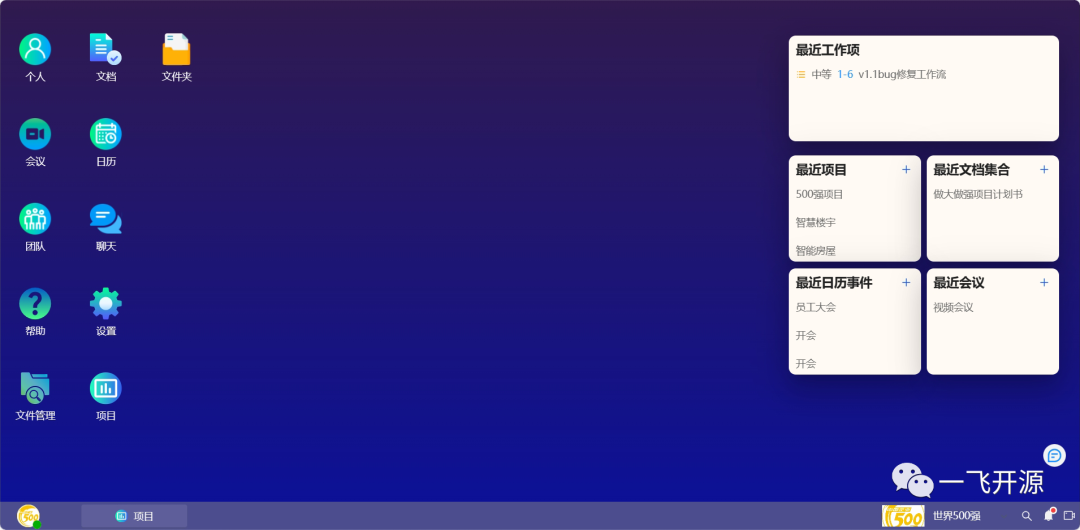
System
4. Feature Overview
Core Architecture
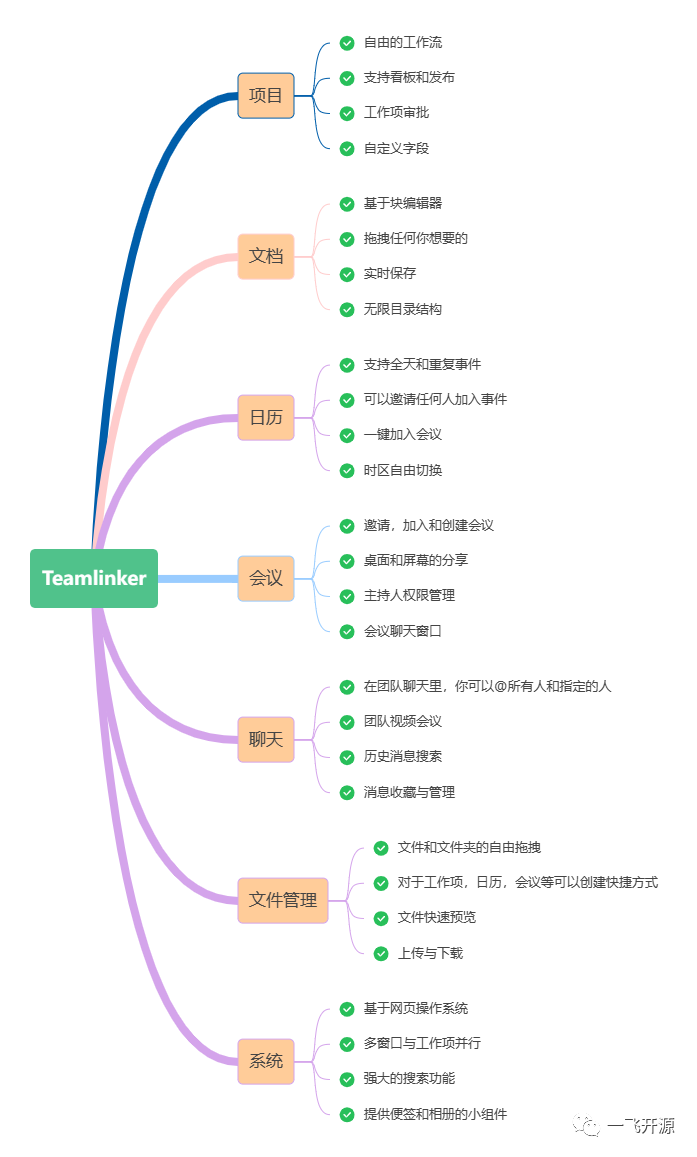
Features
-
Developed entirely in TypeScript, with Node.js on the backend and Vue3 on the frontend.
-
Built a Web OS system from scratch, implementing desktop management, multiple windows, multitasking, file drag-and-drop, uploads, downloads, and other features.
-
Uses WebRtc to enable multi-user video and voice communication, including member invitations, screen sharing, virtual backgrounds, video background blur, and other features. It also implements meeting administrator controls and in-meeting chat.
-
Developed a block editor based on HTMLElement's contentEditable, supporting flexible layouts, color and font adjustments, link and image insertion, attachment management, and keyboard shortcuts.
-
The project management module supports common project management features such as custom work item types, workflows, fields, Kanban boards, and Gantt chart management. It is developed entirely in pure JavaScript and can be extracted and used as an independent module.
-
The calendar module supports multiple calendar management, time zone switching, and flexible switching between day, week, and month views. It supports all-day and recurring calendar events and uses RabbitMQ to implement calendar event reminders.
-
The IM module uses Socket.IO to support @all or @specific members in message groups, message bookmarking and searching, as well as quick video meetings and other features.
-
Upcoming AI features will use NLP technology and the Transformers framework to build a personal work assistant that provides personalized services.
5. Tech Stack
Local Deployment
If you want to deploy it locally
You first need to install the following software environments:
-
Redis: Recommended version 5.0+
-
Rabbitmq: Recommended version 3.8+
-
Mysql: Recommended version 5.7+
-
Nodejs: Recommended version 18+
-
Vue: Recommended version 3.0+
Note: The Rabbitmq delayed message queue plugin must be installed.
Installation
Preparation Work
Steps
Detailed content please refer to README.md document