[Open Source] A modular no-code development platform integrating rapid PC and APP development.

1. Project Overview
The entfrm development platform is a no-code development platform centered on modular architecture. It is an efficient and stable rapid development platform integrating comprehensive features such as rapid PC and APP development, system management, operations monitoring, development tools, visual data source management and data modeling, dynamic API generation and statistics, workflow management, intelligent form design, and microservice scaffolding. The platform uses core technologies including Spring Boot 2.X, Sa-Token, Mybatis Plus, Activiti, and uni-app. The frontend is built on the vue-element-admin framework.
2. Open Source License
Licensed under Apache-2.0
3. Screenshots
Demonstration effect
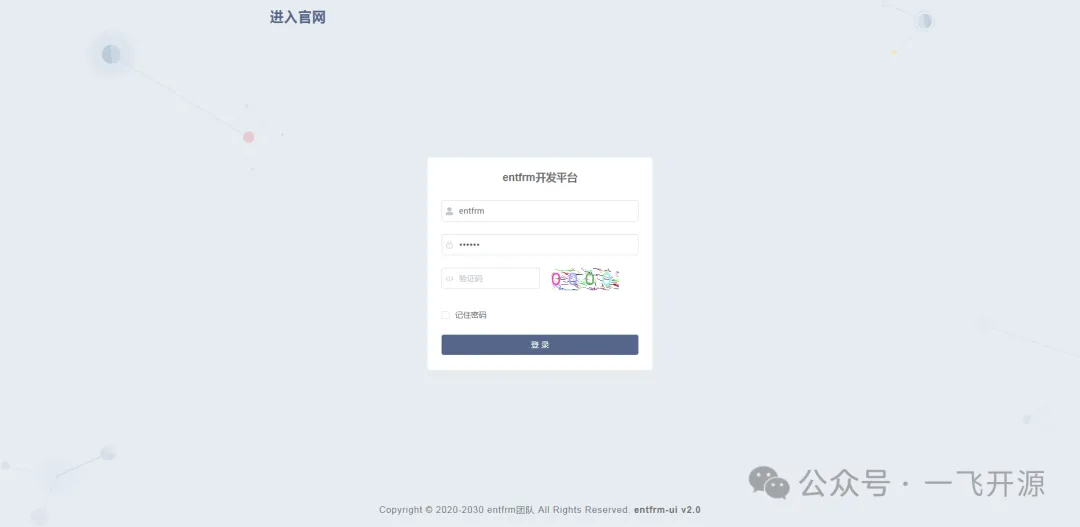 |
|
|---|---|
 |
 |
 |
 |
APP Preview
 |
 |
 |
|---|
4. Feature Overview
Mind Map

Software Features
1. System Management
-
Organization Management: Configure system organizational structures with unlimited hierarchical tree structures and data permission support.
-
Role Management: Role menu permission distribution, set role data range permissions by organization.
-
User Management: Users are system operators, this function mainly completes system user configuration.
-
Menu Management: Configure system menus, operation permissions, button permissions, etc.
-
Dictionary Management: Maintain some fixed data frequently used in the system.
-
Parameter Management: Dynamically configure common parameters in the system.
-
Quick Access: Add shortcuts to the top navigation bar and homepage.
-
File Management: Centralized file management with integrations for Alibaba Cloud, Tencent Cloud, Qiniu Cloud, and other services.
-
Data Maintenance: MySQL database backup and restoration.
2. Operations Monitoring
-
Scheduled Tasks: Online (add, modify, delete) task scheduling, including execution result logs.
-
Data Monitoring: Monitor the current system database connection pool status and analyze SQL queries to identify system performance bottlenecks.
-
Cache Monitoring: Redis cache monitoring.
-
Service Monitoring: Monitor system CPU, memory, disk, stack, and other related information.
-
API Monitoring: Statistics and visualization of RESTful API calls.
Log Monitoring
-
Login Logs: Record and query normal system operation logs, as well as record and query system error logs.
-
Operation Logs: Record and query system login logs, including login failures.
3. Development Tools
-
Data Management: Online management of mainstream databases such as MySQL, SQL Server, and PostgreSQL; database table management (create, modify, delete, and query); data source management and data transformation.
-
Code Generation: Supports code generation for single tables, tree tables, and left-tree-right-table layouts.
----------------For more application features, please visit the App Marketplace----------------
4. Messaging System
-
Message Templates: Message template management and approval.
-
System Messages: Includes system notifications, alerts, and more.
-
SMS: SMS platform integration.
-
Email: Email integration.
5. API Engine
-
Application Management: Add, edit, delete, and view applications.
-
API Design: Online API design and no-code development with support for customization.
-
API Documentation and Testing: API documentation generation and automated testing.
-
API Resource Permissions: API resource management and access control.
-
API Statistics and Reports: API usage statistics and chart visualization.
6. Workflow Engine (Activiti)
-
Model Management: Features include adding, viewing, deleting, designing, and deploying models.
-
Process Definitions: Features include viewing process diagrams, suspending and activating processes, and deleting processes.
-
Leave Management: Features include adding, editing, viewing, deleting, exporting, and submitting leave requests.
-
Workflow Tasks: Features include workflow approval, approval comment lists, and workflow tracking.
7. Form Engine
-
Form Design: Rapid form design.
-
Multi-Device Support: Adaptation for PC, Pad, and mobile devices.
-
Form Sharing: One-click form sharing.
-
Form Data Statistics: Forms submitted on mobile devices support list and chart-based statistics.
-
uni-app Examples and Basics: Provides uni-app examples with integrated form functionality.
8. Data Engine
-
Visualization: Quick configuration and chart generation.
-
Dashboards: Chart arrangement and large-screen display.
-
Reports: Report design.
9. Extension Plugins
10. Distributed Architecture and Microservices
5. Tech Stack
The platform uses core technologies such as Spring Boot 2.X, Sa-Token, Mybatis Plus, Activiti, and uni-app. The frontend is based on the vue-element-admin framework.
Code Structure
Usage instructions
-
Configure the environment (JDK 1.8, Maven 3.x, MySQL 5.6 or later, Redis 3.2 or later)
-
Create database
-
Database initialization SQL script: entfrm.sql
-
Import the project into IntelliJ IDEA
-
Modify the configuration file entfrm-boot/entfrm-web/src/main/resources/application.yml. Configure Redis and the datasource.
-
Start WebApplication
-
Start entfrm-ui