[Open Source] Online Learning System for Publishing and Sharing MP4 Videos and PDF Course Materials for Online Learning.
Open SourceEducation

1. Project Overview
Introduction
- This system is an online learning platform primarily designed for publishing instructional videos and course materials for users to study online.
- Supports Course Material Display : PDF course materials and MP4 course materials (H264 encoding).
Current open-source version: v0.3.1
- Added major and course management features.
- Added user learning permission control.
- Added user learning records.
2. Open Source License
The author has not yet declared an open-source license.
3. Screenshots
Interface Screenshots

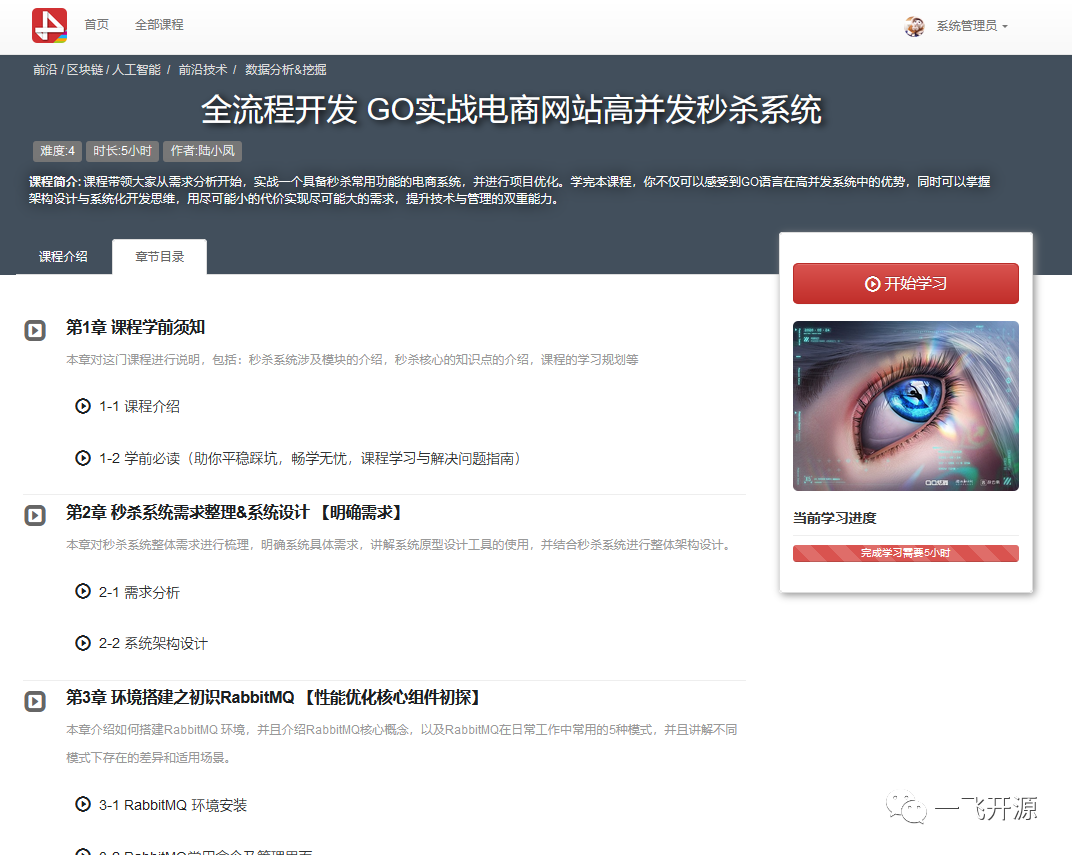
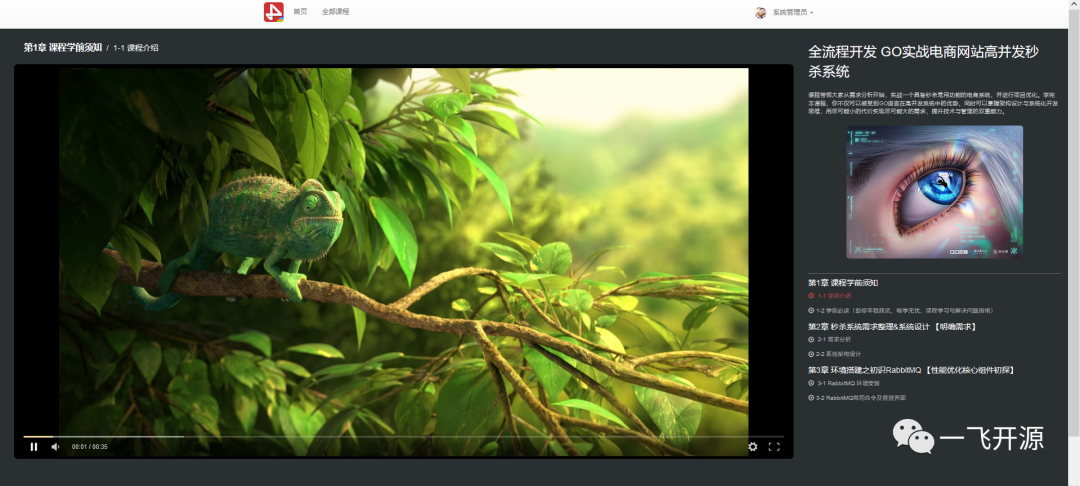
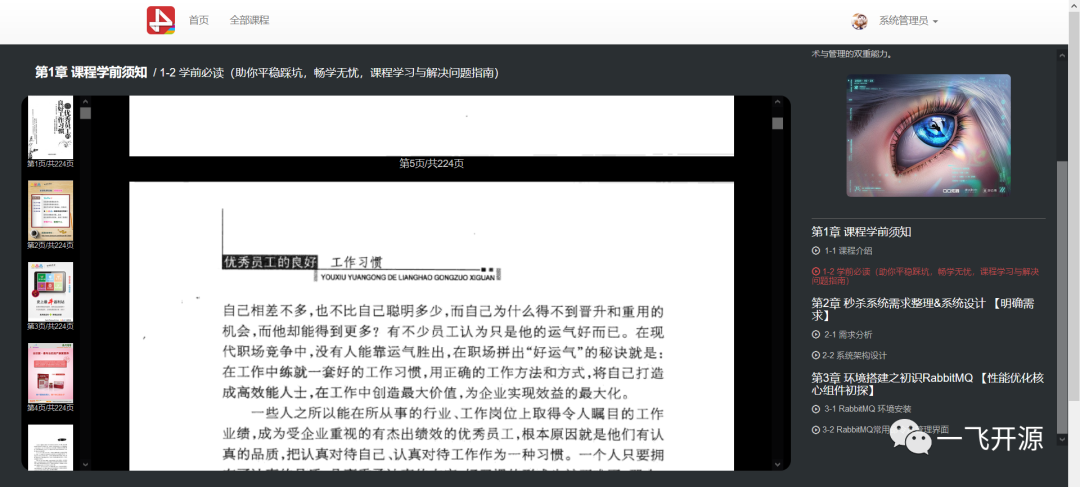
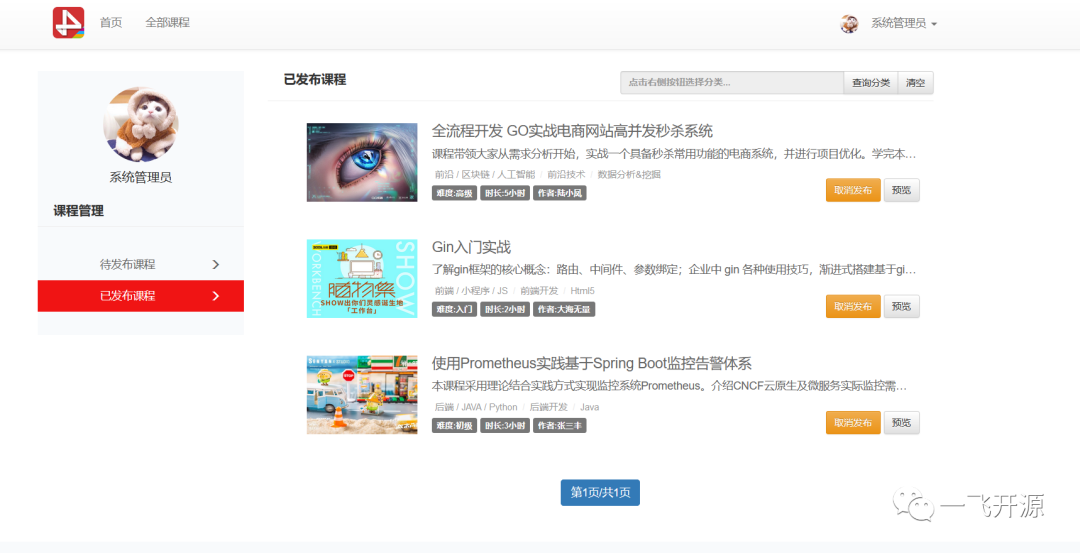
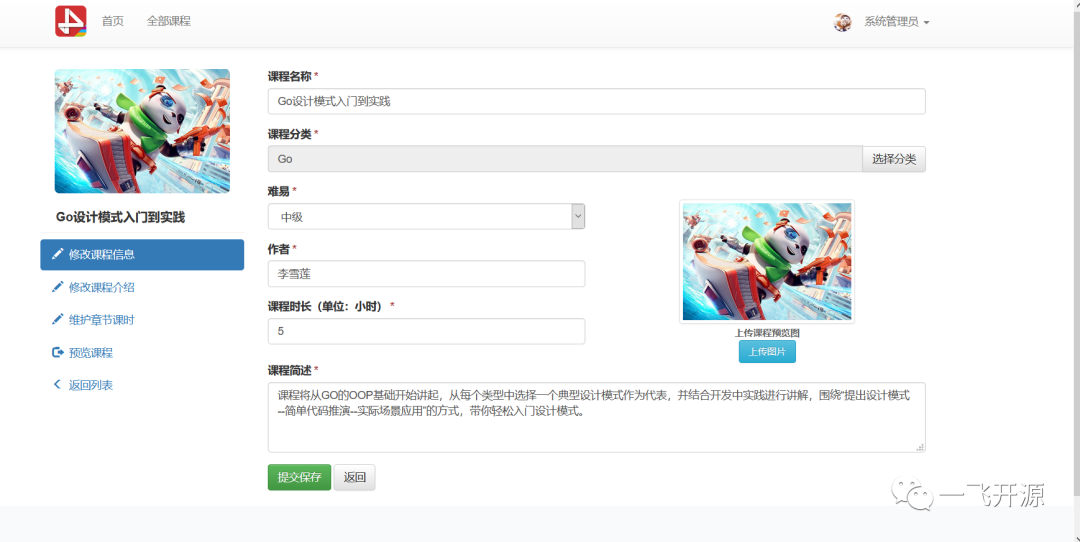

4. Feature Overview
WLP Online Learning System allows instructors to publish and share MP4 videos and PDF course materials for students to study online. It currently supports multi-level course categorization and multiple chapters and lessons within each course. (Currently, only MP4 video playback encoded with H264 and online PDF viewing are supported.)
5. Tech Stack
Software Architecture
- jdk8
- maven
- spring4
- spring-mvc4
- hibernate4
- bootstrap
- tomcat8
- mysql5.7
Source Code Installation Instructions
- Maven source code deployment (Main Module: WLP/src/wlp-web ) Compilation order: wlp-api >wlp-core > wlp-parameter > wlp-report > wlp-authority > wlp-quartz > wlp-category > wlp-fqa > wlp-simpelfile > wlp-learn >wlp-tag >wlp-web
- Create the database. The database scripts are located in the WLP/resource/sql/ directory.
- Modify the database configuration file: WLP/src/wlp-web/src/main/resources/jdbc.properties
- Modify the attachment storage location: WLP/src/wlp-web/src/main/resources/WcpWebConfig.xml (Change the "config.doc.dir" parameter to configure the attachment storage path.)
- After compilation, the project can be deployed directly to Tomcat 7 and run with MySQL 5.x. It supports JDK 7/JDK 8. Using Tomcat 8 or later may cause errors, which you will need to fix yourself. (Therefore, Tomcat 7 is recommended for the first run.)
Note
- Tomcat 7 is recommended. Tomcat 8 or later may encounter errors. You can search for solutions and make modifications based on the error messages; the fixes are generally straightforward.
- Due to the database dialect currently in use, only MySQL is supported. Switching to another database system will require additional work. MySQL must be configured to be case-insensitive. (Pay special attention in Linux environments, where MySQL is case-sensitive by default.)
- Please use the UTF-8 character set.
下载地址 免费
评论