[Open Source] Online Markdown Note-Taking Editor Supporting Saving Notes to Major Git Repositories
1. Project Overview
Chinese Version of StackEdit
A powerful note-taking tool and online Markdown editor.
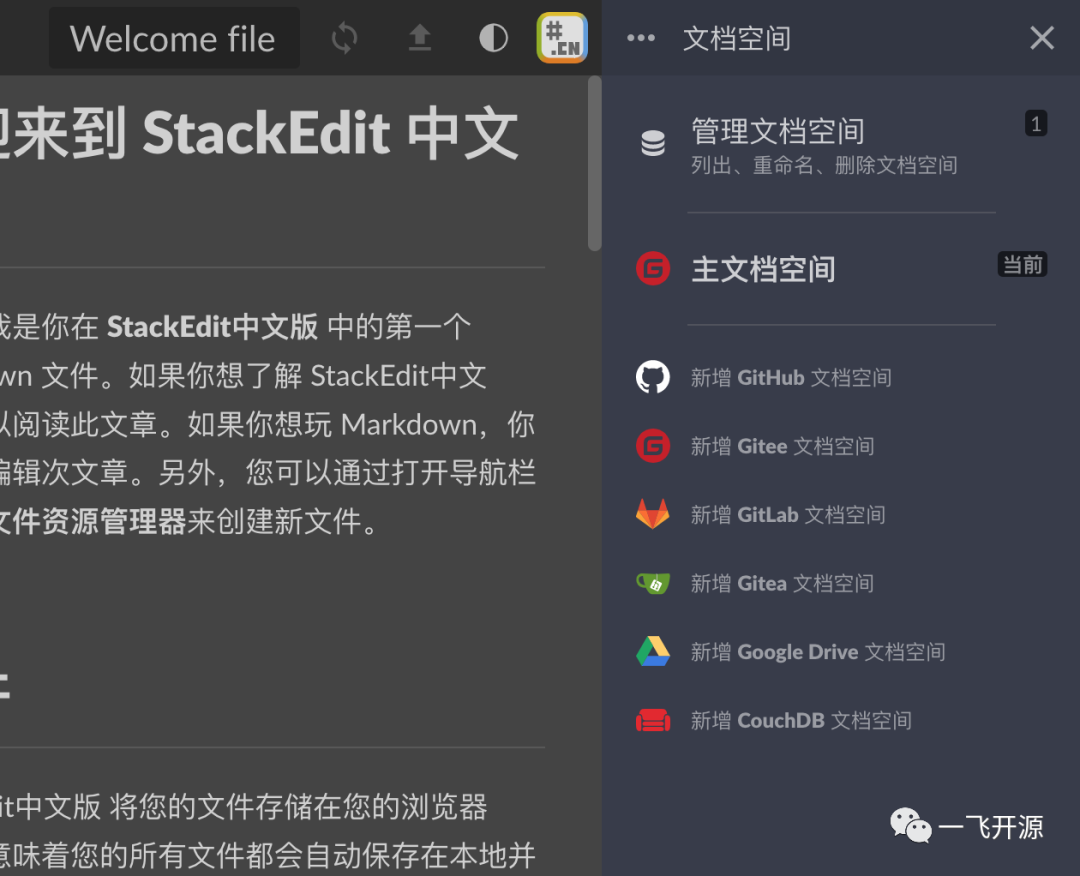
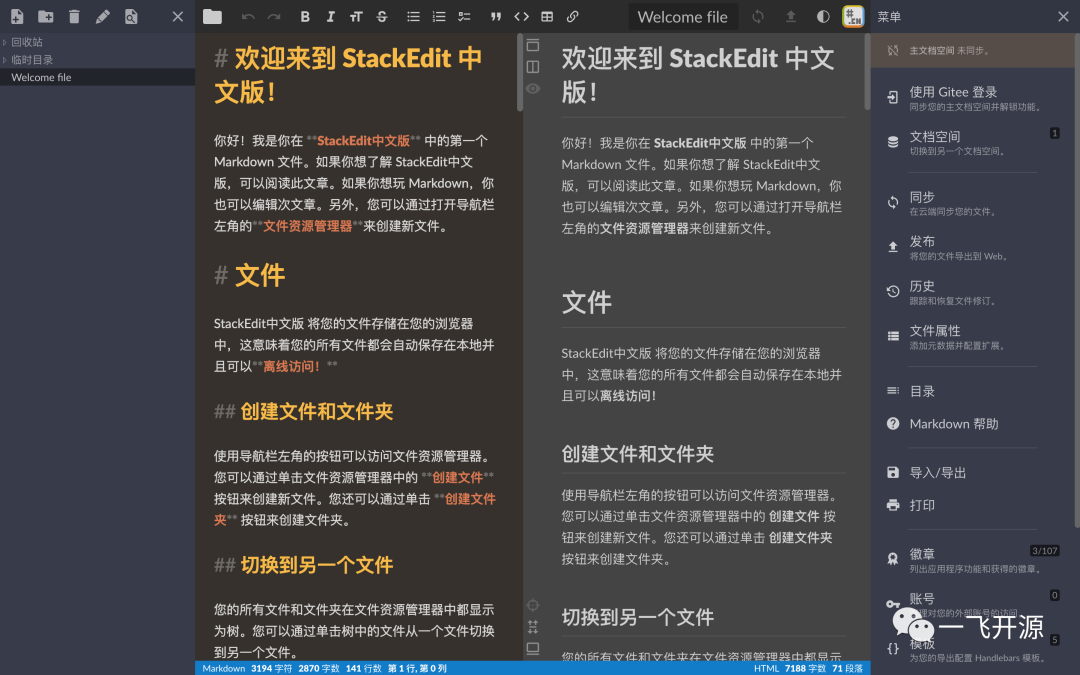
The Chinese version of StackEdit is not just an online Markdown editor, but also an online note-taking tool that supports saving Markdown notes to repositories such as Gitee, GitHub, and Gitea. It also supports image uploads via drag-and-drop or paste, file searching, switching to a stylish dark theme, and other convenient features. It is ideal for anyone who enjoys taking notes with Markdown.
2. Open Source License
Licensed under Apache-2.0
3. Screenshots
4. Feature Overview
1. Notes can be stored in Git repositories such as Gitee, GitHub, and Gitea.
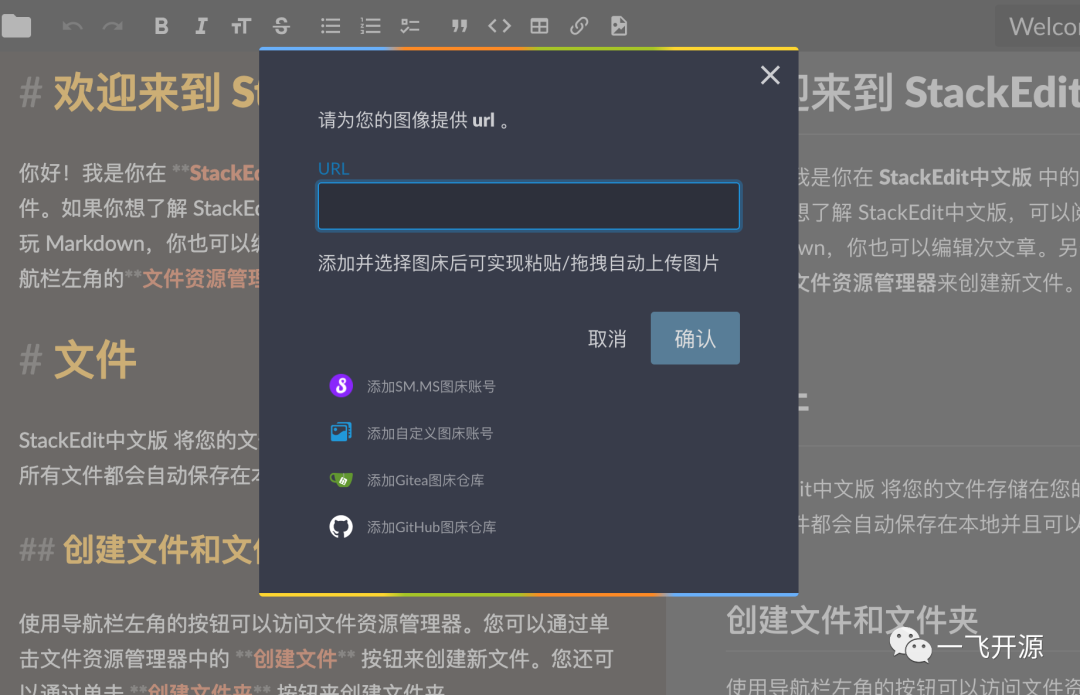
2. Supports direct image uploads, as well as pasting or dragging images to upload them through various external image hosting services (GitHub, Gitea, SM.MS, and custom image hosting services).
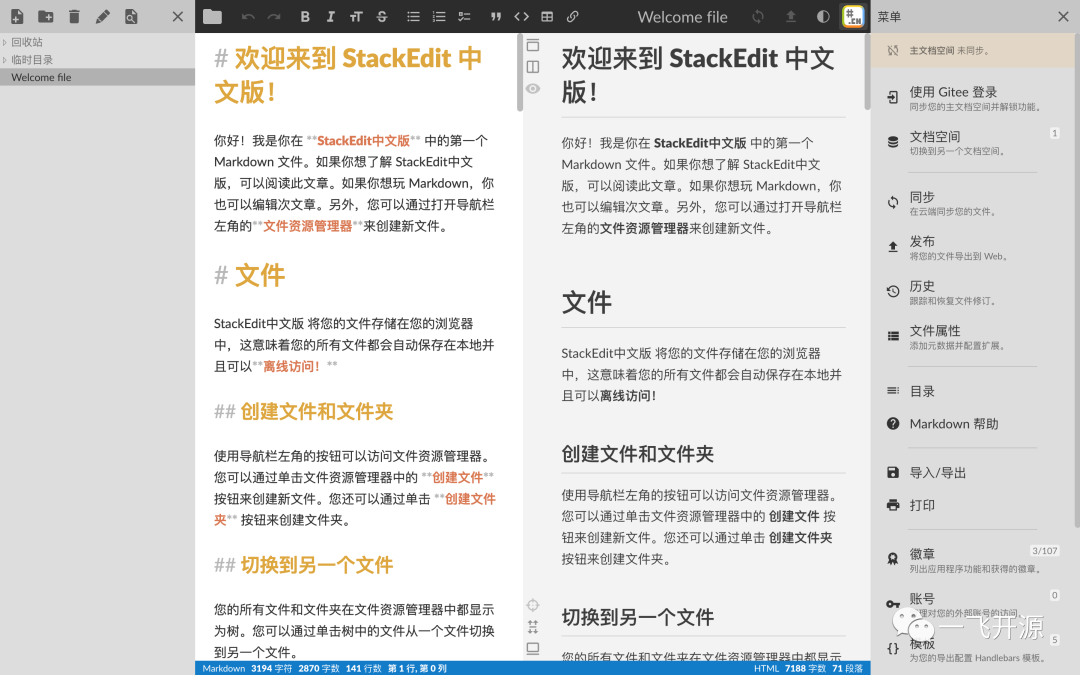
3. The editor supports selecting or customizing themes, so you can always find one you like.
4. Supports version history management, so you don't have to worry about being unable to roll back after overwriting content during editing.
5. Supports ChatGPT-assisted writing.
6. Supports extensions such as KaTeX mathematical expressions, Mermaid UML diagrams, and musical scores.
Differences from the original international open-source version:
- Fixed the GitHub authorization login issue
- Added support for Gitee repositories (2022-05-25)
- Added support for Gitea repositories (2022-05-25)
- Chinese localization (2022-06-01)
- Switched the main document storage from GoogleDrive to Gitee (2022-06-04)
- Added automatic image uploads when pasting or dragging images from SM.MS (2022-07-01)
- Added automatic image uploads when pasting or dragging images from Gitea (2022-07-02)
- Added automatic image uploads when pasting or dragging images using custom image hosting services (2022-07-04)
- Added automatic image uploads when pasting or dragging images from GitHub (2022-07-31)
- Added one-click theme switching in the upper-right corner and completed the dark theme styling (2022-08-07)
- Optimized the styles of the editing and preview areas (2022-08-10)
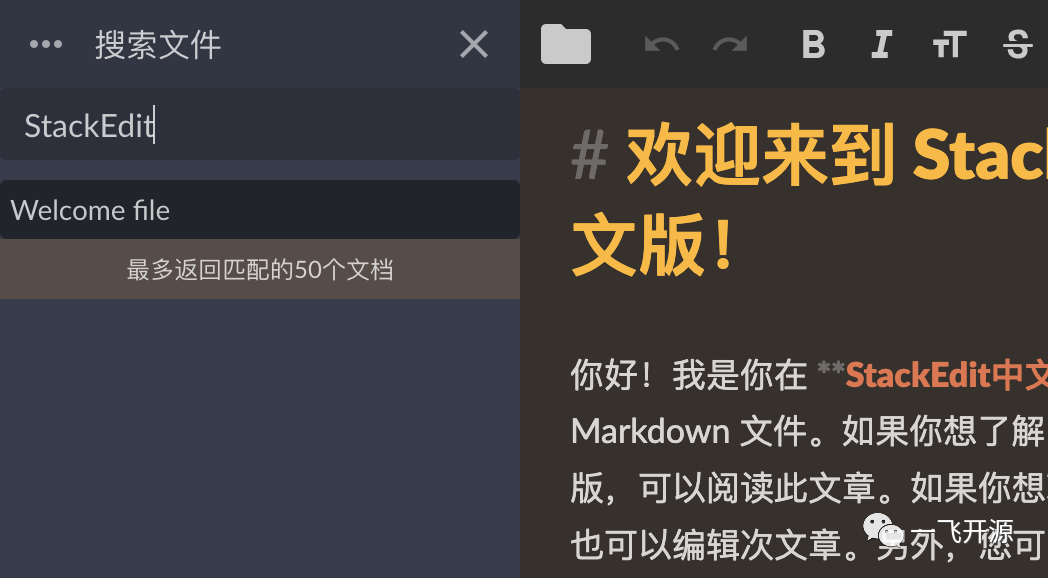
- Added file search support to the file resource manager in the left sidebar (2022-08-17)
- Added support for [TOC] table of contents (2022-09-04)
- Added support for entering commit messages when publishing [for Gitee, GitHub, Gitea, and Gitlab] (2022-09-10)
- Added support for disabling automatic synchronization in document spaces [for Gitee, GitHub, Gitea, and Gitlab]. After disabling it, custom commit messages can be specified (2022-09-23)
- Gitea now supports configuring the application ID and Secret on the backend (2022-10-03)
- Added support for selecting theme styles in the editing area (2022-10-06)
- Added support for storing images directly in the current document space (2022-10-29)
- Added support for links between MD documents (2022-11-20)
- Added support for selecting theme styles in the preview area (2022-12-04)
- Improved Gitlab support (2023-02-23)
- Added support for exporting HTML and PDF files with the selected preview theme (2023-02-26)
- Added document sharing support (2023-03-30)
- Added support for generating content with ChatGPT (2023-04-10)
Limitations of the Original International Open-Source Version:
- The author no longer maintains the project
- Issues with GitHub authorization login
- Does not support Gitee, which is commonly used in China
- Strong dependency on GoogleDrive, which is not normally accessible in China
5. Tech Stack
Deployment Instructions
Deployment via docker-compose is recommended. If you encounter problems with other deployment methods, feel free to submit an issue.
If downloading images from the official Docker repository is too slow, you can use Alibaba Cloud's image repository.
docker-compose.ymlAs follows:
version: "3.7"
services:
  stackedit:
    image: mafgwo/stackedit:【Find the latest version in the Docker Hub repository】
    container_name: stackedit
    environment:
      - LISTENING_PORT=8080
      - ROOT_URL=/
      - USER_BUCKET_NAME=root
      - DROPBOX_APP_KEY=【Remove this if support is not needed】
      - DROPBOX_APP_KEY_FULL=【Remove this if support is not needed】
      - GITHUB_CLIENT_ID=【Remove this if support is not needed】
      - GITHUB_CLIENT_SECRET=【Remove this if support is not needed】
      - GITEE_CLIENT_ID=【Remove this if support is not needed】
      - GITEE_CLIENT_SECRET=【Remove this if support is not needed】
      - GOOGLE_CLIENT_ID=【Remove this if support is not needed】
      - GOOGLE_API_KEY=【Remove this if support is not needed】
      - GITEA_CLIENT_ID=【Remove this if support is not needed】
      - GITEA_CLIENT_SECRET=【Remove this if support is not needed】
      - GITEA_URL=【Remove this if support is not needed】
      - GITLAB_CLIENT_ID=【Remove this if support is not needed】
      - GITLAB_URL=【Remove this if support is not needed】
    ports:
      - 8080:8080/tcp
    network_mode: bridge
    restart: always
Commands to start or stop using docker-compose
# Run this command in the directory containing docker-compose.yml
docker-compose up -d
# Run this command in the directory containing docker-compose.yml to stop the services
docker-compose down
# To update the image, simply change the image version in docker-compose.yml, then run the stop and start commands.
Alternatively, you can start it directly using the Docker run command. The command is as follows:
docker run -itd --name stackedit \
  -p 8080:8080 \
  -e LISTENING_PORT=8080 \
  -e ROOT_URL=/ \
  -e USER_BUCKET_NAME=root \
  -e DROPBOX_APP_KEY=[Remove if support is not needed] \
  -e DROPBOX_APP_KEY_FULL=[Remove if support is not needed] \
  -e GITHUB_CLIENT_ID=[Remove if support is not needed] \
  -e GITHUB_CLIENT_SECRET=[Remove if support is not needed] \
  -e GITEE_CLIENT_ID=[Remove if support is not needed] \
  -e GITEE_CLIENT_SECRET=[Remove if support is not needed] \
  -e GOOGLE_CLIENT_ID=[Remove if support is not needed] \
  -e GOOGLE_API_KEY=[Remove if support is not needed] \
  -e GITEA_CLIENT_ID=[Remove if support is not needed] \
  -e GITEA_CLIENT_SECRET=[Remove if support is not needed] \
  -e GITEA_URL=[Remove if support is not needed] \
  -e GITLAB_CLIENT_ID=[Remove if support is not needed] \
  -e GITLAB_URL=[Remove if support is not needed] \
  mafgwo/stackedit:[Find the latest version in the Docker Hub repository]
How to Create a Third-Party Platform Application
During deployment, if you need to support Gitee or GitHub, you must create an application on the corresponding third-party platform, obtain the application ID and secret, replace the values in the environment variables above, and then start the application.
- Gitee environment variables: GITEE_CLIENT_ID, GITEE_CLIENT_SECRET,How to Create a Gitee Application
- GitHub environment variables: GITHUB_CLIENT_ID, GITEE_CLIENT_SECRET,How to Create a GitHub Application
- Gitea environment variables can be configured optionally (if not configured, the application can be specified in the frontend during linking; if configured, only the configured application information is allowed): GITEA_CLIENT_ID, GITEA_CLIENT_SECRET, GITEA_URL,How to Create a Gitea Application
- GitLab environment variables can be configured optionally (if not configured, the application can be specified in the frontend during linking; if configured, only the configured application information is allowed): GITLAB_CLIENT_ID, GITLAB_URL How to Create a GitLab Application (Documentation Pending)
(Special note: Self-hosted Gitea and GitLab instances must support cross-origin requests to integrate with StackEdit.)
Build and Run
Use Node.js version 11.15.0 for building and running.
# Install dependencies
npm install

# Serve with hot reload at localhost:8080
npm start

# Build for production with minification
npm run build

# Build for production and view the bundle analyzer report
npm run build --report