[Open Source] Multi-File Online Preview: Converts Files to PDF or Image Formats for Preview and Display

1. Project Overview
CastleDocpreview Multi-File Online Preview
Online File Preview Module (Converts Multiple Formats to PDF)
The file format conversion module converts multiple file formats into PDF or image formats for preview and display. Supports Word to PDF, Word to Image, and more.
2. Open Source License
Licensed under MIT
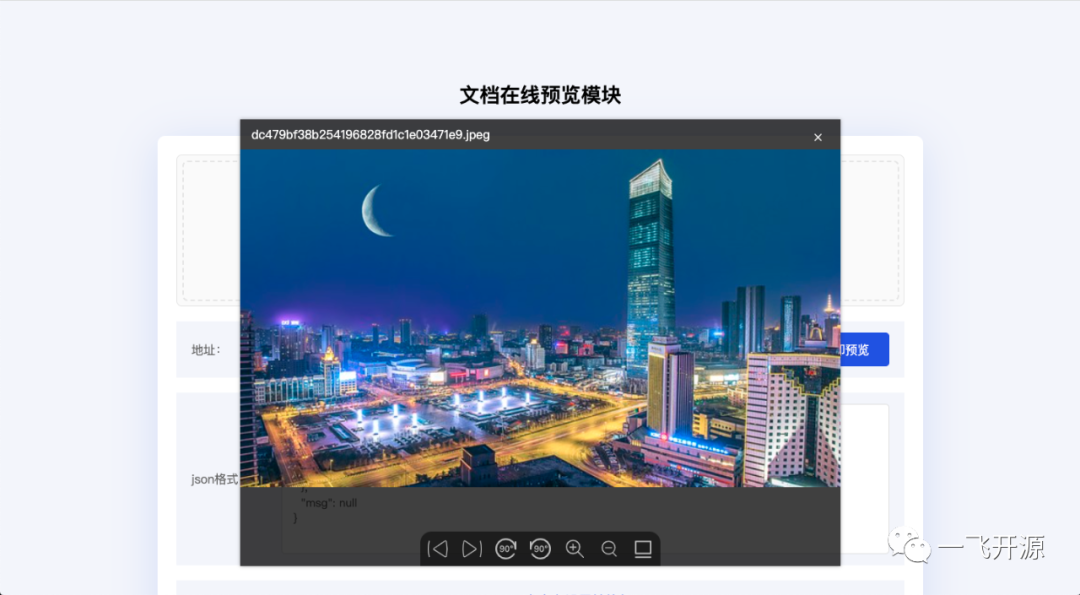
3. Screenshots

4. Feature Overview
Implemented Features:
-
Convert Multiple Formats to PDF
-
Convert OFFICE to PNG
-
Online File Preview
-
Preview and View Files on Mobile Devices
Currently Supported Formats
-
Image Preview: .gif, bmp, jpeg, jpg, png, ico, svg
-
Document Preview: .doc, docx, xls, xlsx, ppt, pptx
-
PDF Files: pdf, PDF File Compression
-
Text Files: txt
-
Audio Files: mp3, ogg, wav
-
Video Files: mp4, webm, mkv
Description: This project integrates several commonly used technologies to help users who need to preview files online or are looking for an Office-to-PDF conversion and preview solution.
5. Tech Stack
How to Run
[Required] Install LibreOffice in the environment where the program runs. PDF conversion is powered by LibreOffice (OpenOffice is also supported).
-
Simply copy the files from the source code into your own project.
-
Package this Demo into a JAR file and import it into your own project.
After starting the application locally, visit: [http://localhost:8301/index (Parameter configuration still needs to be modified, or Nginx should be used)](http://localhost:8301/index (Parameter configuration still needs to be modified, or Nginx should be used))
Main Technologies
Several major technologies currently available for document conversion
|
Name |
Purpose |
|
Libreoffice |
Office to PDF |
|
PDFBox |
PDF to Image |
|
PDF2SVG |
PDF to SVG |
|
Calibre |
Convert e-books such as EPUB and MOBI to PDF |
|
MuPDF |
A PDF and XPS parsing and rendering engine that can be used to convert PDF files into SVG, PNG, and other image formats |
|
SVGO |
Compress SVG Image Size |
|
GZIP Compression |
Compress SVG Files |
What Are Synchronous and Asynchronous Conversions?
Synchronous Conversion
When a user uploads a document and submits a request, the system starts converting it immediately.
Advantages: The user waits while the loading indicator is displayed and can view the data as soon as conversion is complete.
Disadvantages: Synchronous conversion can easily cause page freezes. If conversion takes too long, the system API request may time out.
Asynchronous Conversion
When a user uploads a document and submits a request, the system does not convert it immediately. Instead, it places the document in a conversion queue, where background conversion processes handle it.
Advantages: Large numbers of files can be converted simultaneously without causing page freezes.
Disadvantages: Data cannot be viewed in real time.
Source: CastleDocpreview Official Documentation